
Search
Future Me Messages
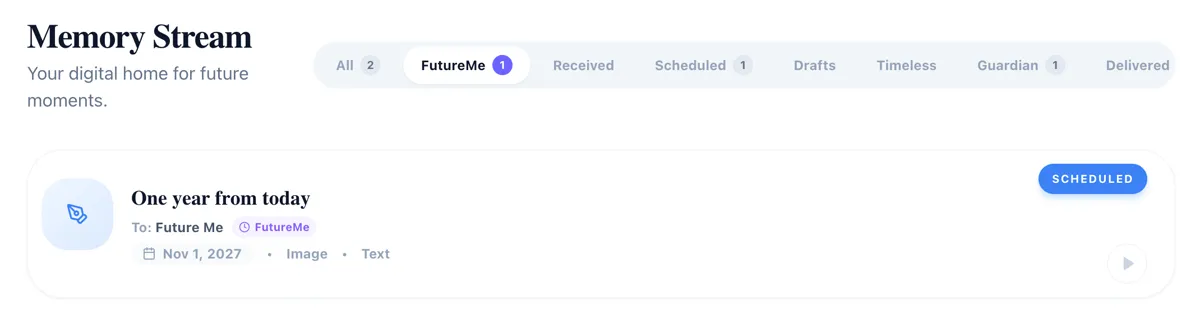
Choose Future Me as the recipient, write your message and pick the date it should reach you. On that day it arrives in your inbox and your FutureMe tab, like a message from someone else.
How do I write one?
- Open Create.
- In the recipients, choose Future Me. A Future Me message is only for you, so no one else can be added.
- Write your message. The composer offers ideas if you are stuck.
- Pick the date and time it should arrive, and confirm.
What should I write?
Anything you want to remember later: what you hope for before a big change, advice for yourself a year from now, or how today felt. Some people write one before a race, a new job or a move.
Where does it arrive?
In your email and in Messages, under the FutureMe tab, on the date you chose.
What does it cost?
The same as any scheduled message: 2 credits for text. See Credit Costs Reference.