
Search
Sharing a Twin
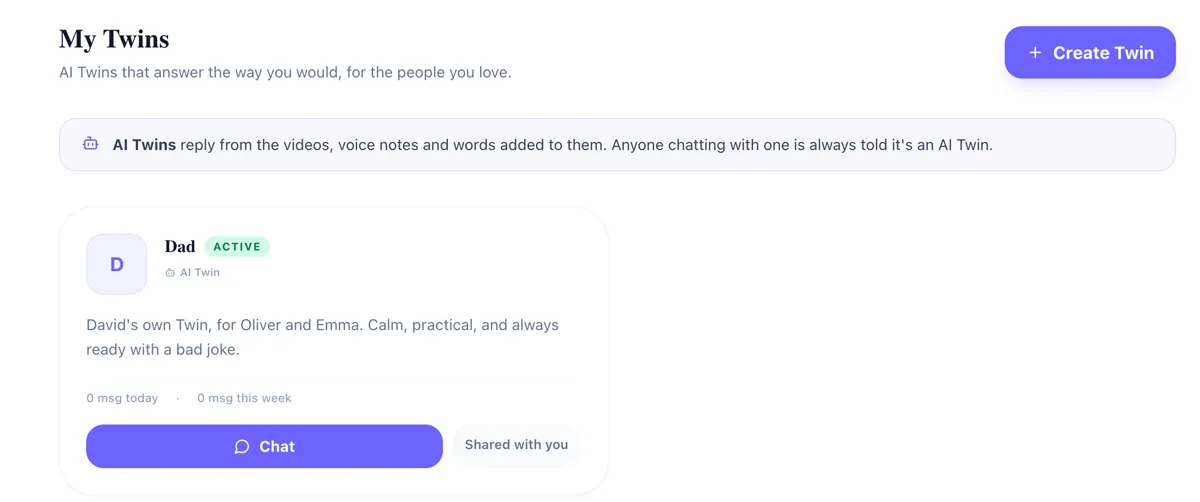
Open the Twin, go to Access Management and choose a contact. They get an invitation, and once they accept, the Twin appears in their Twins list.
How do I share a Twin?
- Open the Twin.
- In Access Management, select a contact.
- Choose the Access Type:
- Recipient: can chat with this Twin only.
- Guardian: can manage and optionally share this Twin. Choose whether they can chat, and whether they can share it with new contacts.
- Send the invitation.
The person needs a free MessageFuture account to accept.
What does the other person see?
An invitation by email and in their notifications. After they accept, the Twin is in their Twins list and they can start chatting. Their chats use their own credits.
How do I see who has access?
Open the Twin and look at Access Management. It lists each person, their access type and whether they have accepted.
How do I remove someone’s access?
In Access Management, remove the person. They can no longer chat with the Twin.
Can I pause all chats for a while?
Yes. Choose Temporarily stop conversations with this Twin. Nobody can chat with it until you choose Allow conversations with this Twin again. See Managing Your Twins.