
Search
Drafts and Saving
Yes. Every message starts as a draft that saves as you write, so you can stop and come back later, on any device. Drafts are free; credits are only taken when you confirm a message.
Where are my drafts?
Open Drafts in the menu on the web, or Messages in the app. Open one to keep writing.
Do I need to press save?
No. Once you have written something, the draft saves by itself. A completely empty draft isn’t saved.
How do I leave the composer?
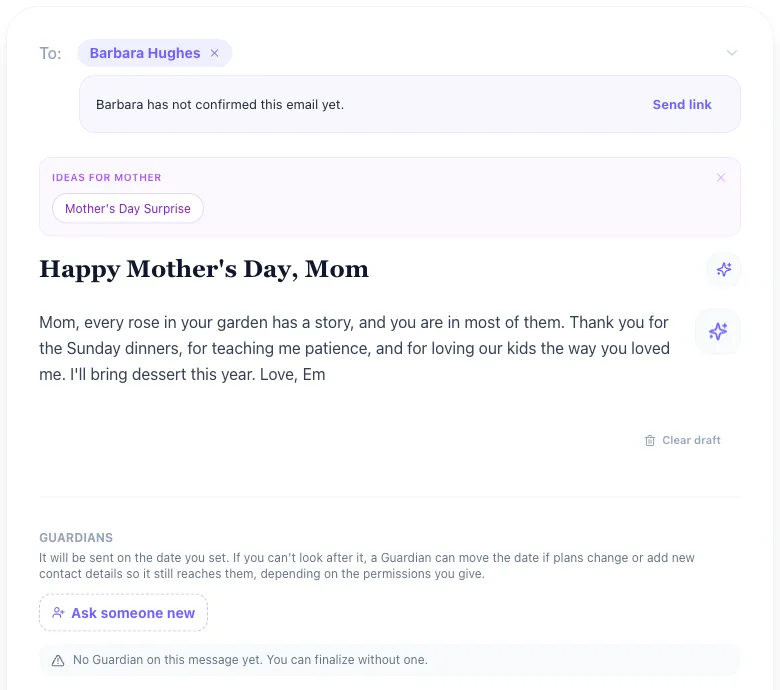
In the app, tap the close button and choose Keep editing, Save as draft or Discard. On the web, your draft is already saved; use Clear draft to start again.
What happens when I edit a message I already confirmed?
Your changes are held until you confirm the update on the review screen, so nobody is told about a change you were only trying out. See The Review & Confirm Screen.