
Search
Choosing Your Recipients
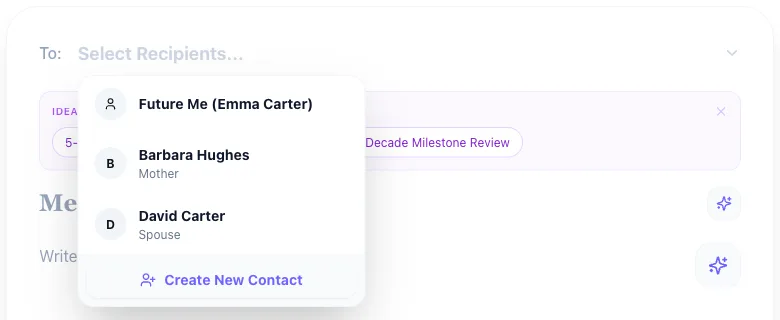
In the composer, choose Select Recipients and pick one or more people from your contacts. You can add someone new without leaving the composer, or choose Future Me to write to yourself.
How do I add recipients?
- Open Create and choose Select Recipients.
- Pick the people you want. In the app you can search by name or email.
- To add someone who isn’t a contact yet, create a new contact from the same list.
What is Future Me?
A message to yourself, delivered on the date you choose. When you choose Future Me, no one else can be added. See Future Me Messages.
Does each recipient cost extra?
The first recipient is included. Each extra one adds 1 credit. See Credit Costs Reference.
How do recipients get the message?
By email on the delivery day, and in the app if they have it. They don’t need an account to read it. See Receiving a Message.
Can a recipient share what I send?
Only if you say yes when you write it. See Public Links.