
Search
Data Export
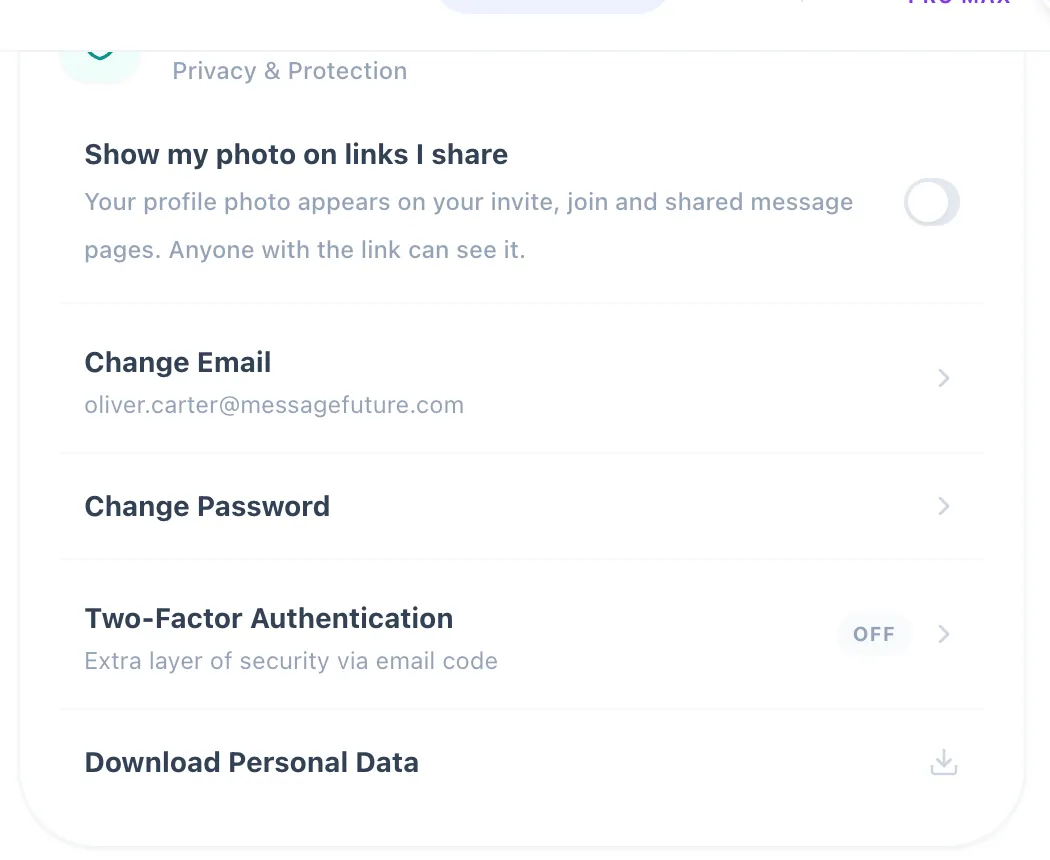
You can download a copy of your account data from Settings, on the web or in the app. Request it, and download it when it is ready.
How do I request my data?
On the web:
- Open Settings and scroll down.
- Choose Download Personal Data.
On iPhone and Android:
- Open Settings.
- Choose Export My Data.
How do I download it?
When it is ready, the same place shows Download Ready. Choose it to download the file. To get an up to date copy later, request a new export; each one is a fresh snapshot of your account at that moment.
Should I export before deleting my account?
Yes. Once an account is deleted, its data can’t be recovered. See Account Deletion.