
Search
Managing Your Subscription
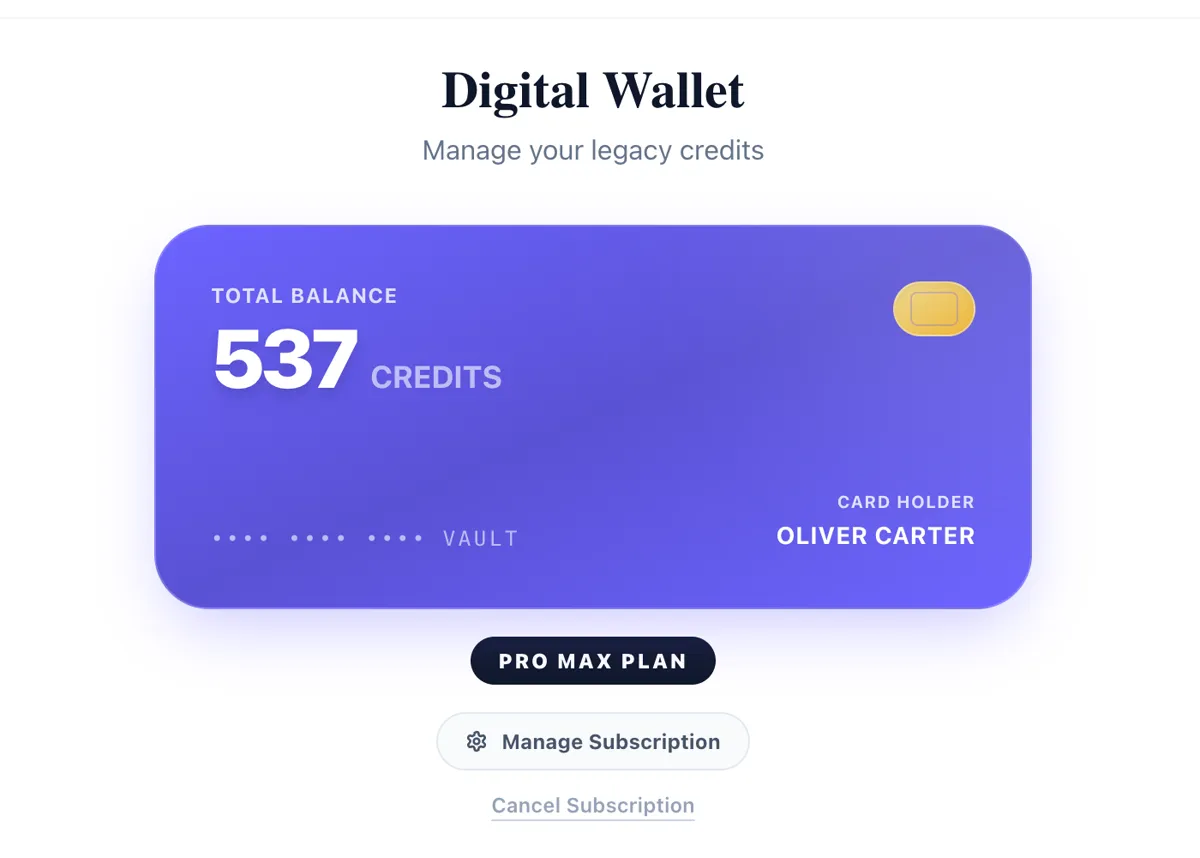
On the web, open Wallet. Manage Subscription lets you change your plan, update your card and download invoices, and Cancel Subscription ends it. A plan bought in the app is managed in your App Store or Google Play settings.
How do I change my plan or card?
- Open Wallet on the web.
- Choose Manage Subscription. A secure billing page opens.
- Change your plan, update your payment method, or download past invoices.
How do I cancel?
- Open Wallet on the web.
- Choose Cancel Subscription (or Cancel trial during a free trial) and confirm.
Your plan stays until the end of the period you have paid for, then your account moves to the Free plan. Your messages, contacts and Twins are kept.
I bought my plan in the app. How do I manage it?
In your App Store or Google Play subscription settings. See In-App Purchases: Mobile.
What happens to my credits if I cancel?
Plan credits last until the end of your billing period, and no new ones are added after that. See How Credits Work.