Search
How Credits Work
Credits pay for confirming a message and for some AI Twin features. Writing and saving drafts is always free, and you see the exact cost before you confirm anything.
Where do credits come from?
- When you join: 10 credits once you confirm your email address.
- Your plan: Standard adds 50 credits a month, Pro 150 and Pro Max 600. On a yearly plan you get 600, 1,800 or 7,200 credits a year.
- The free trial: a 7 day trial of Pro gives 50 credits, and of Pro Max 100. See How does the free trial work?
- Top-ups: on a paid plan you can buy 50 credits for $11.99, 200 for $34.99 or 1,000 for $119.99. See Buying Credit Packs.
What costs credits?
| What you do | Credits |
|---|---|
| Confirm a scheduled text message | 2 |
| Add photos | +3 |
| Add a voice note, up to 5 minutes | +5, then +1 for each extra minute |
| Add a video, up to 2 minutes | +10, then +2 for each extra minute |
| Each recipient after the first | +1 |
| Make it a Timeless message | The total is multiplied by 3 |
| Send a message to an AI Twin | 1, or 5 when the reply brings up a photo, voice or video memory |
| Hear a Twin’s reply spoken in its cloned voice | +3 |
| Create a cloned voice | 25, once |
| Add a memory to the content library | 6 for text, 9 for a photo, 15 for audio, 30 for video, once |
Every confirmed message costs at least 1 credit. AI Suggest is included in paid plans and costs no credits. For worked examples, see Credit Costs Reference.
When are credits taken?
When you confirm a message on the review screen. If you later edit a confirmed message and it costs more, you pay only the difference. Cancelling or deleting a message does not give credits back.
Who pays when family members chat with my Twin?
The person chatting. Someone you share a Twin with spends their own credits, not yours.
Do credits run out?
- Credits from your plan last until the end of that billing period.
- Top-up credits last 30 days from the day you buy them.
- The 10 credits you get when you join do not run out.
Where do I see my balance?
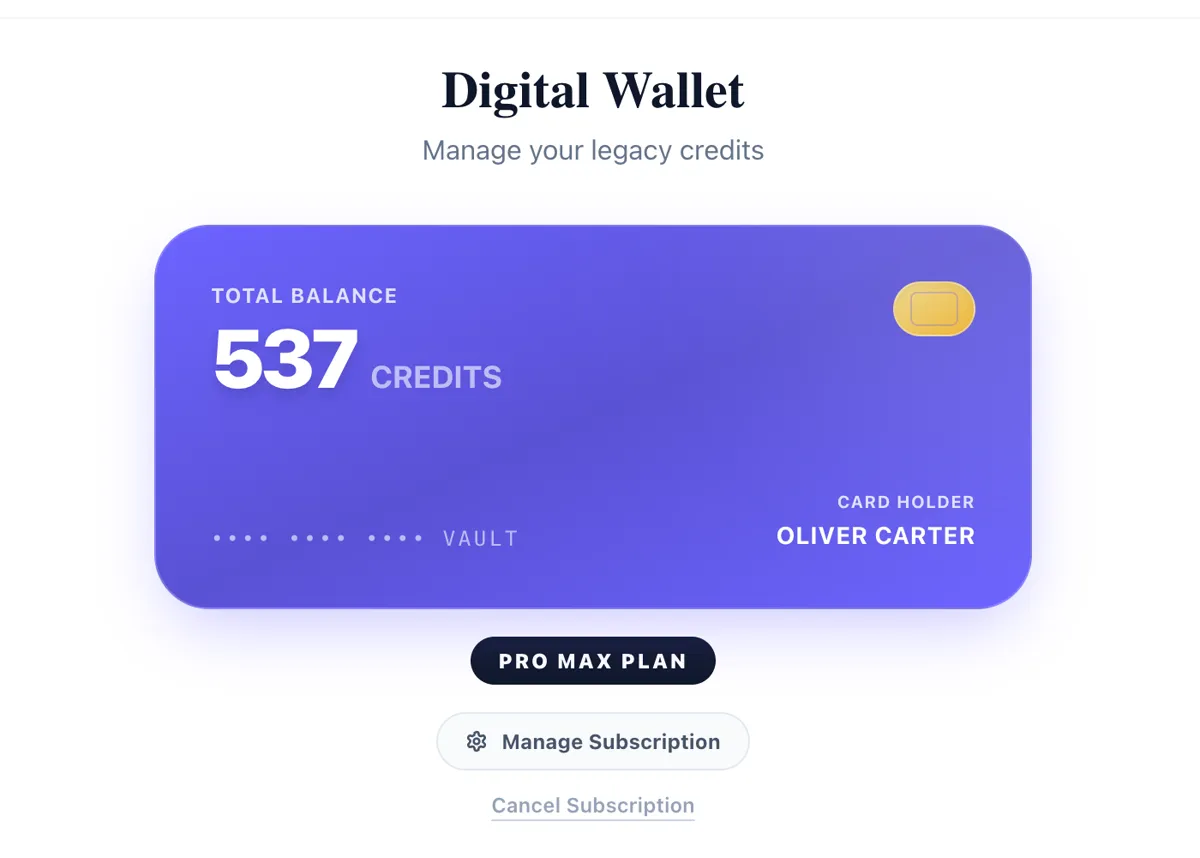
- Web: open Wallet in the menu.
- iPhone and Android: open Settings, then Wallet.